
Understanding Loop Recording on Dash Cams: A Comprehensive Guide
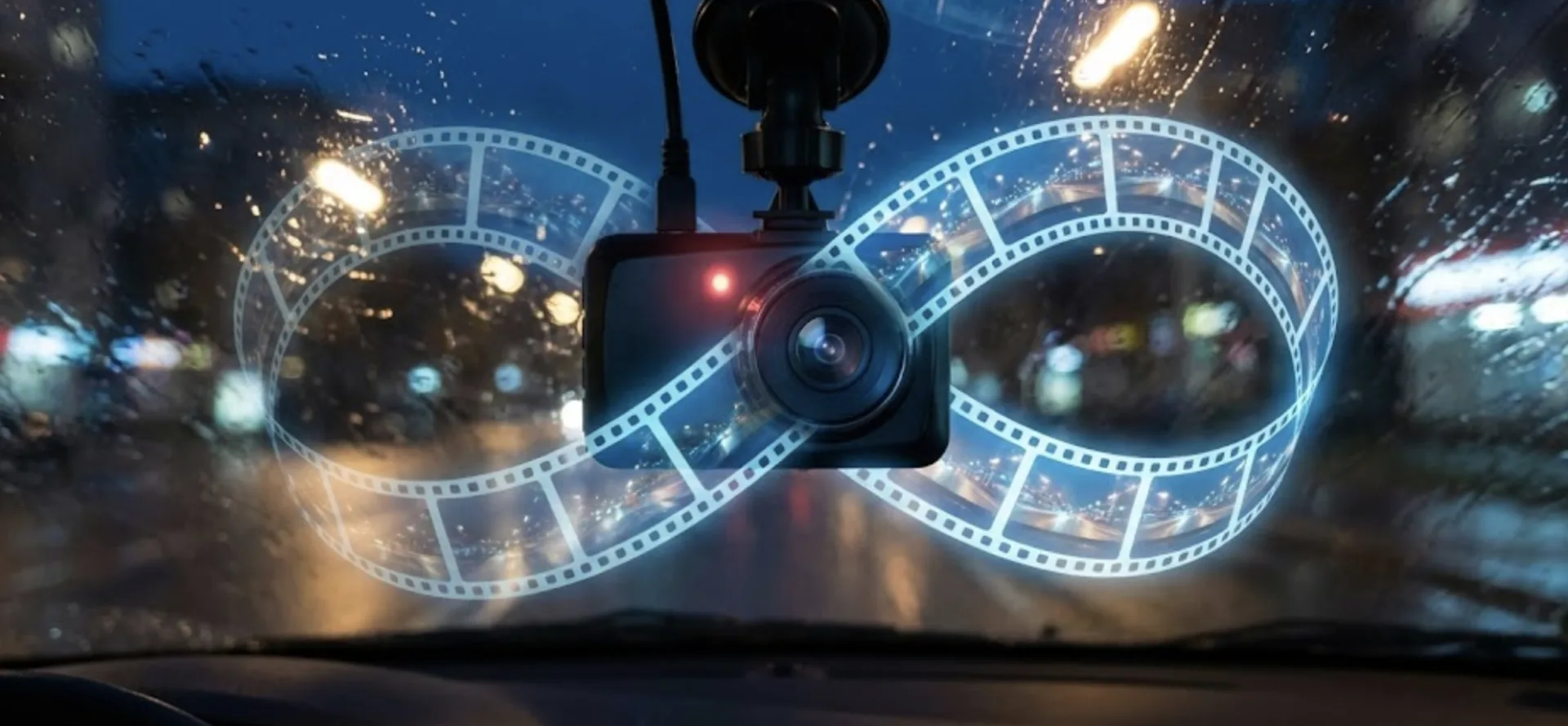
Dash cams have become an essential tool for fleets, providing an extra layer of security and peace of mind by recording video footage across their entire fleet. One of the key modes of operation of modern dash cams is loop recording. In this blog post, we'll explore what loop recording is, how it works and answer some frequently asked questions.
-
1
Introduction
- 1.1 What is Loop Recording on a Dash Cam?
- 1.2 How does loop recording work?
- 1.3 What is the purpose of loop recording?
- 1.4 Is loop recording good?
- 1.5 What is the best setting for loop recording dash cam?
- 1.6 What if loop recording is off?
- 1.7 What is a loop recording 5 minutes?
- 1.8 Do dash cameras record continuously?
- 1.9 How long can a dash cam continuously record?
- 1.10 What is the best video length for a dash cam?
- 1.11 How long does a 128GB SD card last in a dash cam?
- 1.12 How long does a 256GB SD card last in a dash cam?
- 1.13 Why is my dash cam not recording everything?
What is Loop Recording on a Dash Cam?
Loop recording is a feature in dash cams that allows continuous recording by overwriting the oldest video files with new footage once the internal (SD Card) storage card is full. This ensures that the dash cam can keep recording without stopping, even when the memory card reaches its capacity.
How does loop recording work?
Loop recording works by dividing the video footage into small segments (usually 1, 3, 5, or 10 minutes long). When the memory card is full, the dash cam starts overwriting the oldest segments with new footage. This process allows for continuous recording without ever running out of storage space and therefore stopping to record new footage.
What is the purpose of loop recording?
The primary purpose of loop recording is to ensure that the dash cam can record continuously without requiring manual intervention to delete old footage. This feature is crucial for capturing unexpected events and maintaining a comprehensive video record.
Is loop recording good?
Yes, loop recording is one of the many benefits of a dash cam because it ensures that your dash cam always has the most recent footage available. It eliminates the need to manually manage storage space, providing a seamless recording experience.
What is the best setting for loop recording dash cam?
The best setting for loop recording depends on your specific needs. Typically, a 5-10 minute loop length is recommended. This duration strikes a good balance between having manageable file sizes and not losing too much footage if an incident occurs at the end of a loop. Our fleet dash cam typically records in 10 minute segments.
What if loop recording is off?
If loop recording is off, the dash cam will stop recording once the memory card is full. This means you could miss critical footage if an incident occurs after the storage is filled.
What is a loop recording 5 minutes?
A 5-minute loop recording setting means that the dash cam will save video files in 5-minute segments. When the memory card is full, it will start overwriting the oldest 5-minute segments with new footage.
Do dash cameras record continuously?
Yes, dash cameras with loop recording enabled record continuously. They overwrite the oldest files with new footage once the memory card is full, ensuring ongoing recording, they can even keep recording while the car is parking.
How long can a dash cam continuously record?
The duration a dash cam can record continuously depends on the size of the memory card and the loop recording settings. With loop recording, the dash cam can technically record indefinitely by overwriting old footage with new.
What is the best video length for a dash cam?
The best video length for a dash cam is typically between 5-10 minutes. This length allows for efficient storage management and ensures critical events are captured without large gaps.
How long does a 128GB SD card last in a dash cam?
A 128GB SD card capacity is dependent on how many channels are being recorded and the quality of the video. Our AI Dash Cam can support up to 4 simultaneous video channels, naturally the more channels being recorded the shorter the capacity will be. When recording two channels (road and driver facing) we can get anywhere between 24-36 hours of high-definition video before starting to overwrite old footage, depending on the video resolution and compression settings.
How long does a 256GB SD card last in a dash cam?
A 128GB SD card capacity is dependent on how many channels are being recorded and the quality of the video. Our AI Dash Cam can support up to 4 simultaneous video channels, naturally, the more channels being recorded the shorter the capacity will be. When recording two channels (road and driver facing) we can get anywhere between 48-72 hours of high-definition video before starting to overwrite old footage, depending on the video resolution and compression settings.
Why is my dash cam not recording everything?
If your wireless dash cam isn't recording everything, it could be due to insufficient storage space, incorrect loop recording settings, or a malfunctioning SD card. Ensuring loop recording is enabled and using a high-quality, adequately sized SD card can help mitigate these issues.
Loop recording is a crucial feature in dash cams, ensuring continuous recording without manual storage management. By understanding and utilizing the right settings, and making sure your dash cam is mounted properly you can maximize the benefits of your dash cam, ensuring you capture all essential footage during your drives.
For more information on using your DashCam system for surveillance, check out our related articles on whether dash cameras record when the car is off, and how much is a dash cam?
Article Author

Related Resources
- Best AirTag Alternatives (2026): Top Trackers for iPhone, Android, Wallets, and Business Assets January 19, 2026
- Commercial Fleet Insurance: Everything You Need to Know December 08, 2025
- CARB Compliance: What It Means and How to Stay Compliant December 04, 2025