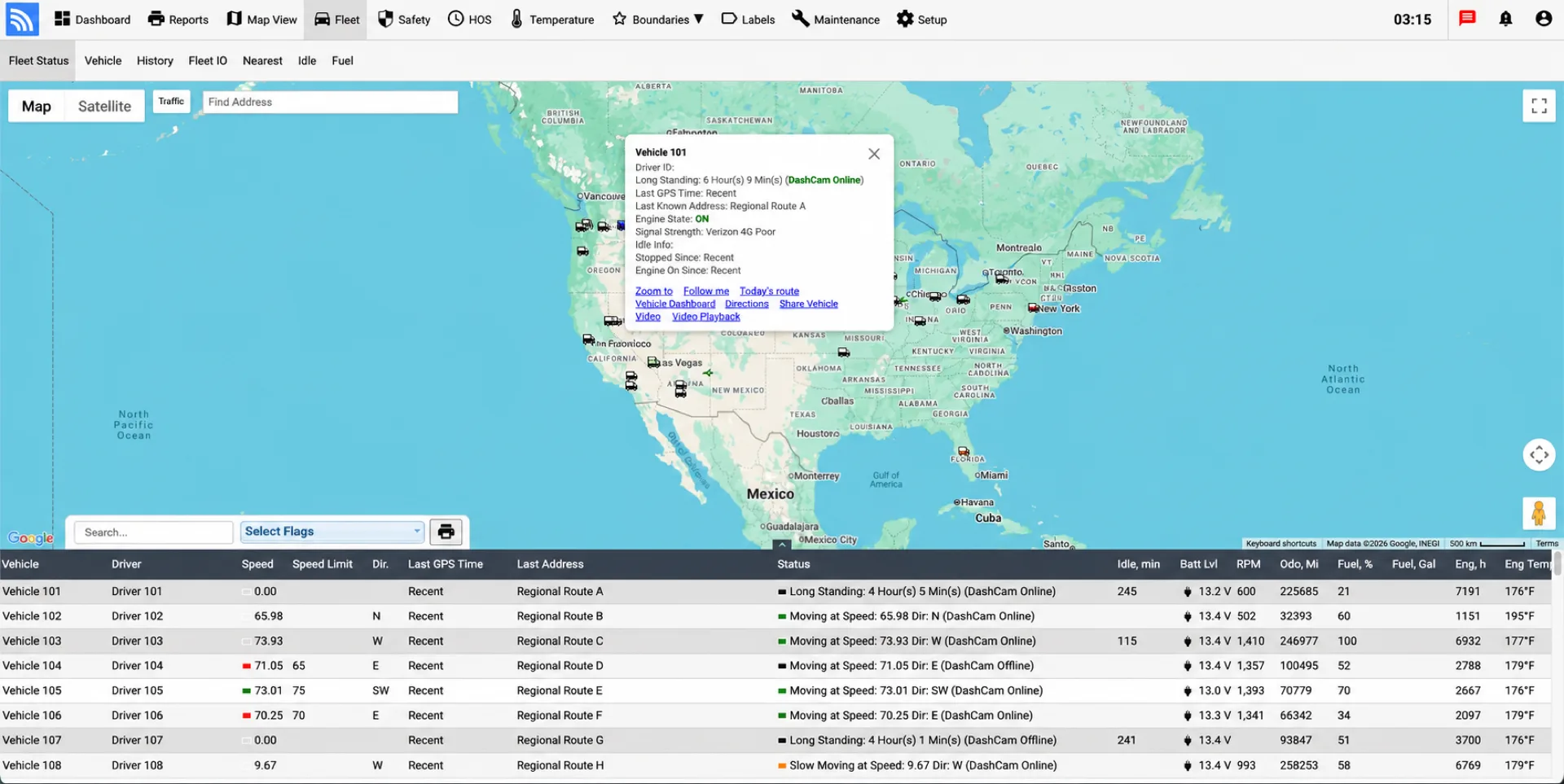
Configured base interval
Updates follow the standard preset frequency, such as every two minutes.


Track vehicles, routes, mileage, diagnostics, driver behavior, and maintenance in real time. Fleet.Net combines GPS telematics, AI dashcam video safety, AI-guided GPS reporting, and ELD data—giving dispatch, safety, and operations teams one connected view.
Designed for commercial vehicle operations
Conventional telematics devices often report at a fixed interval, such as every one or two minutes while a vehicle is moving. When reporting points are widely spaced, the route line between them can cut across buildings, ramps, or nearby roads instead of following the path the vehicle actually traveled.
Wireless Links Piccolo IoT devices use an AI-guided reporting algorithm that adjusts the GPS update frequency according to road geometry. The device maintains the configured base interval on straight roads and reports more frequently as the route becomes more complex.
Updates follow the standard preset frequency, such as every two minutes.
The device reports more frequently to capture changes in direction and road shape.
Rapid updates provide additional points through turns, ramps, and intersections.
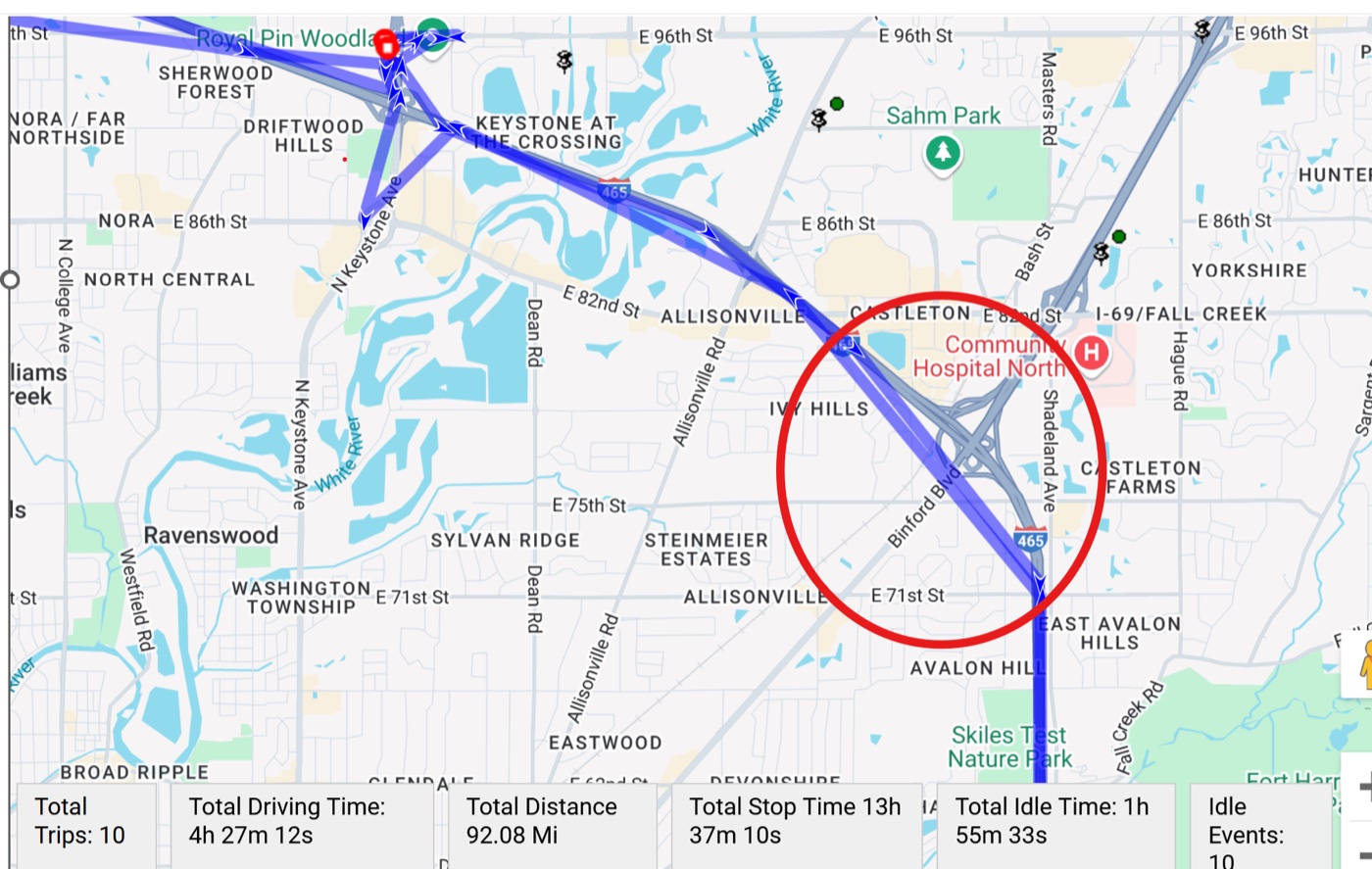
With fewer reporting points, the route history connects distant positions with straight segments that may not match the road traveled.
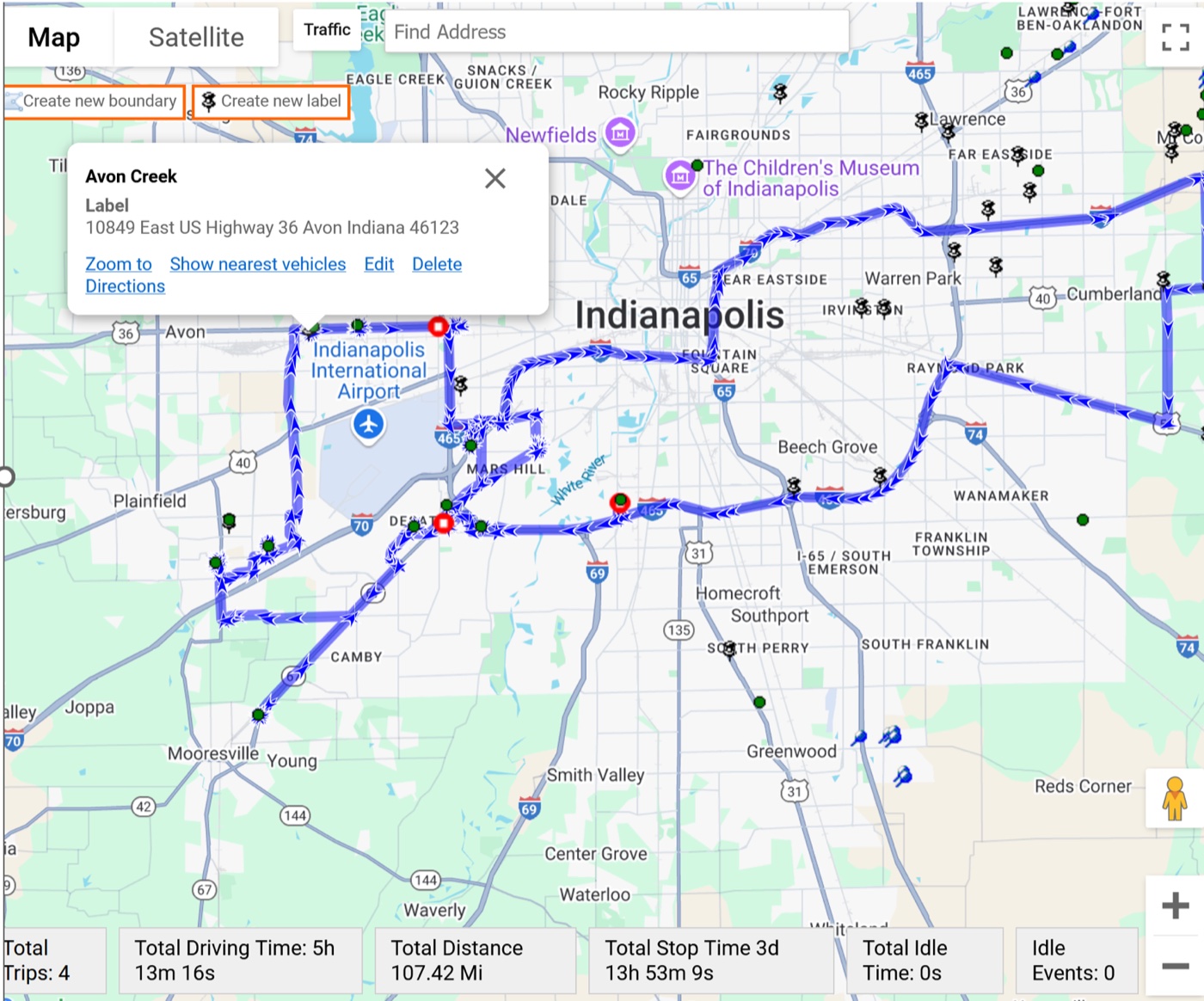
The Piccolo device increases reporting frequency around curves and turns, producing route history that follows the road more closely.
Combine Fleet.Net with Wireless Links vehicle trackers to see current location, route history, stops, mileage, status, and connected vehicle data across your fleet.
Support mixed fleets of trucks, vans, service vehicles, passenger vehicles, and trailers from one platform, with hardware options for OBD-II, J1939, and other supported vehicle interfaces.
Use fleet data to support dispatch decisions, identify extended idling, schedule maintenance, investigate events, and provide customers with more accurate service visibility.
Operational Reporting and Vehicle Data:
Choose vehicle telematics, onboard Wi-Fi, smartphone-based tracking, or video safety—all connected to Fleet.Net.
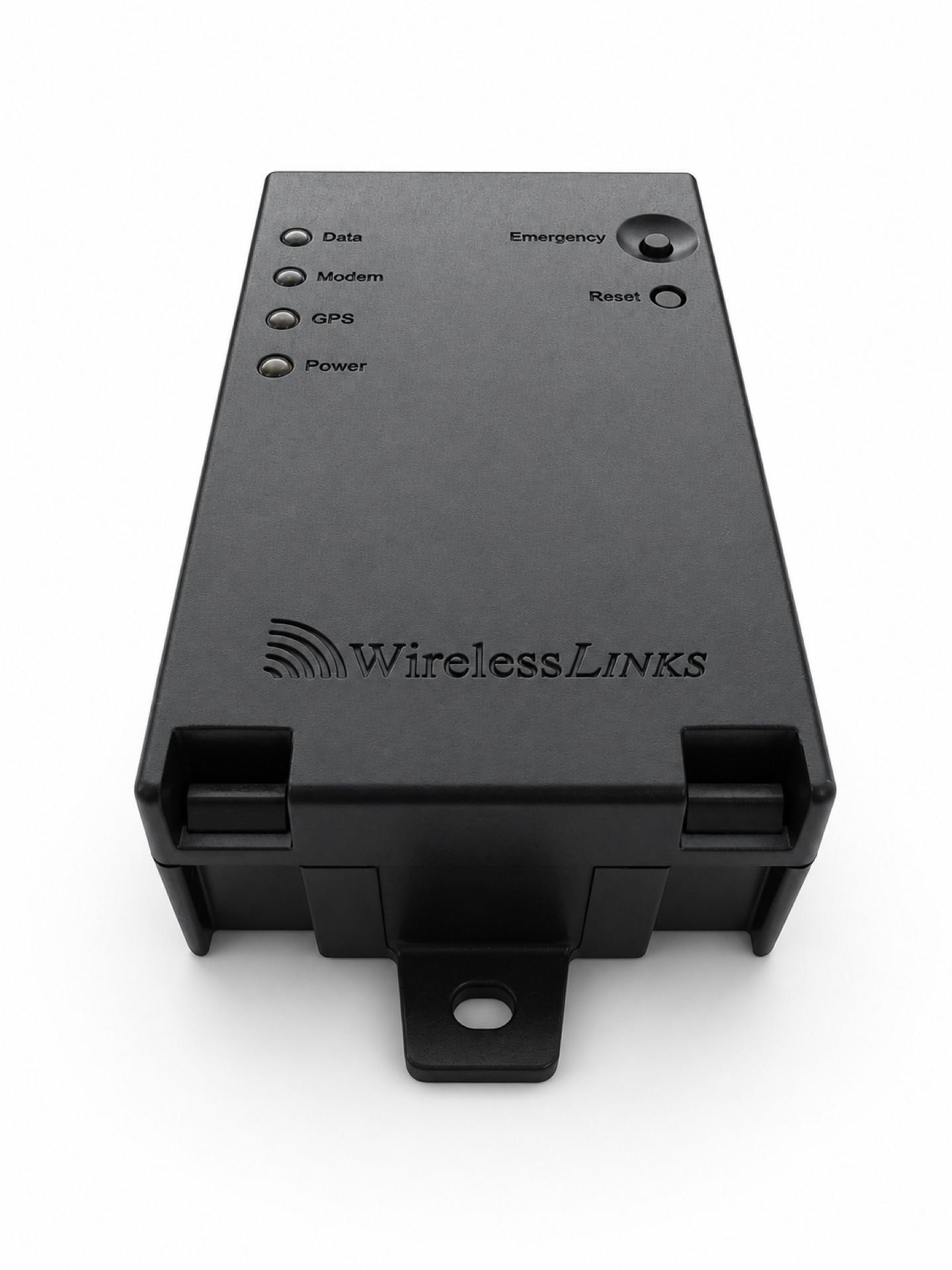 Vehicle telematics
GPS tracking, vehicle diagnostics, sensor inputs, and driver identification for cars, vans, service vehicles, and heavy-duty trucks.
View Piccolo STX →Best for: core fleet tracking and vehicle data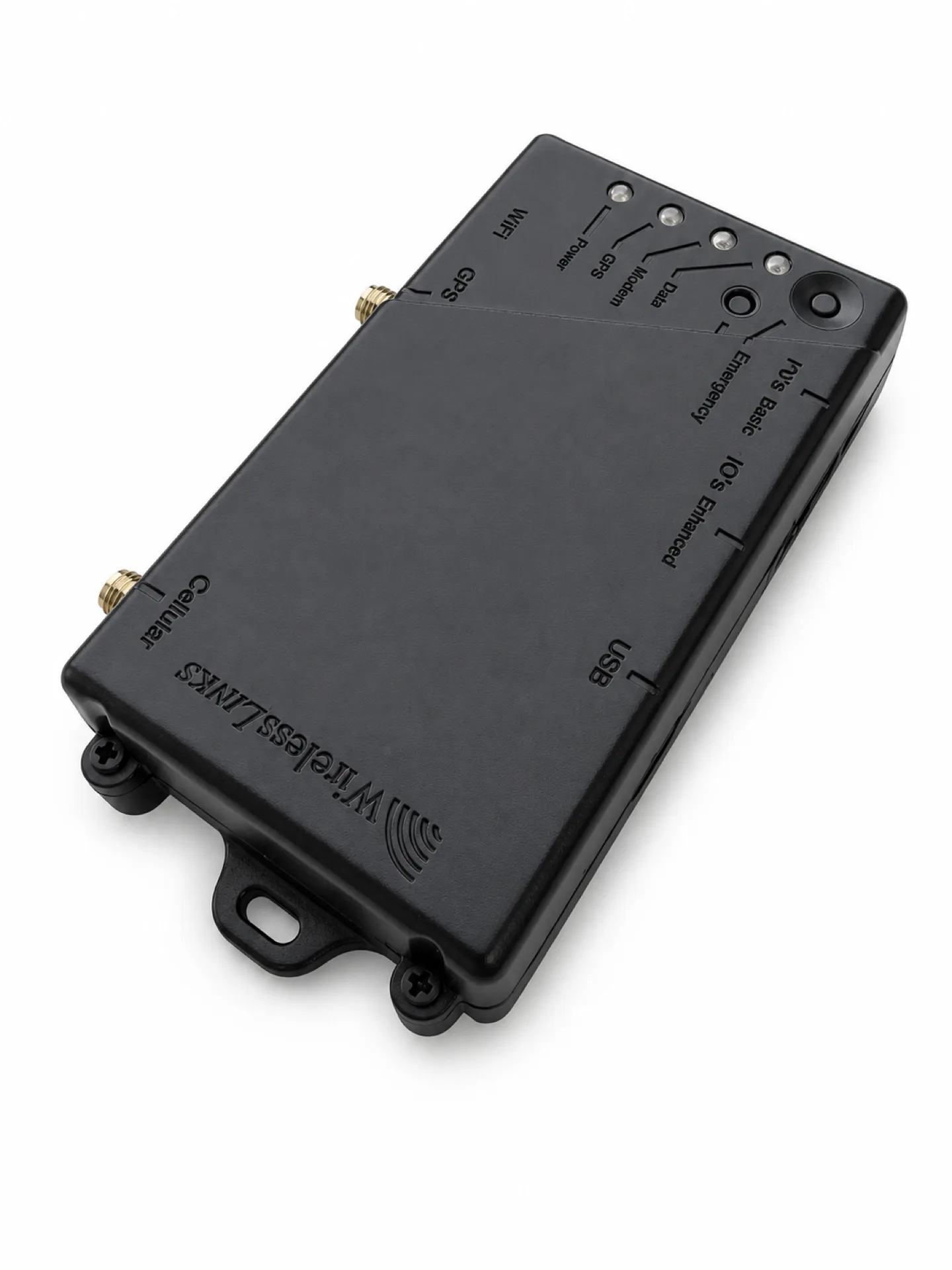 Piccolo Plus IoT Wi-Fi gateway
Combine GPS tracking, vehicle data, an in-cabin Wi-Fi hotspot, and IoT gateway capabilities for supported tablets, cameras, sensors, and Fleet.Net communications.
View Piccolo Plus WiFi →Best for: connected vehicles and onboard Wi-Fi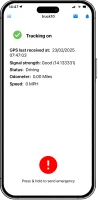 Mobile fleet tracking app
Use drivers’ smartphones for GPS tracking, two-way messaging, routing, and alerts, with support for compatible Mini IoT tag workflows.
View DriverLink →Best for: mobile teams and driver communication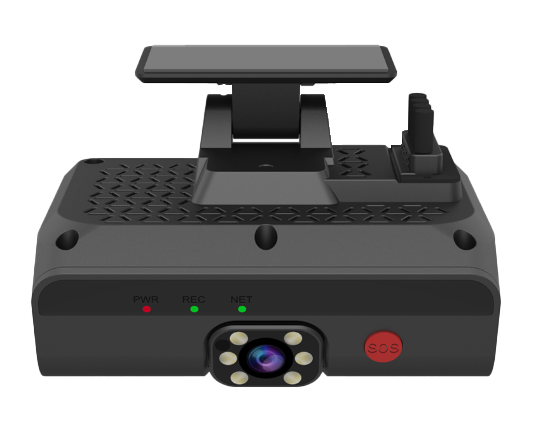 AI2020X video safety
Use the AI2020X DashCam as a standalone GPS tracking solution or integrate it with Piccolo STX or Piccolo Plus. Connect road- and driver-facing video with vehicle events to review incidents, coach drivers, and document the context around unsafe driving.
View DashCam →Best for: fleet video and driver safetyConnect the appropriate telematics device and supported peripherals, then manage vehicle location and operational data in Fleet.Net.
Plug a Piccolo OBD or hardwired telematics gateway into the vehicle OBD-II port or dashboard.
Verify driver identity via Dallas key touch tags, and connect dispatch tablets to the vehicle gateway.
The telematics gateway sends real-time GPS speed, driver behavior, engine diagnostics, and fuel logs via cellular to the portal.
Fleet.Net centralizes live location, trips, diagnostics, maintenance, alerts, driver activity, and supported sensor data.
See current vehicle locations and operating status in Fleet.Net so dispatchers can coordinate routes, answer customer questions, and respond quickly when plans change.
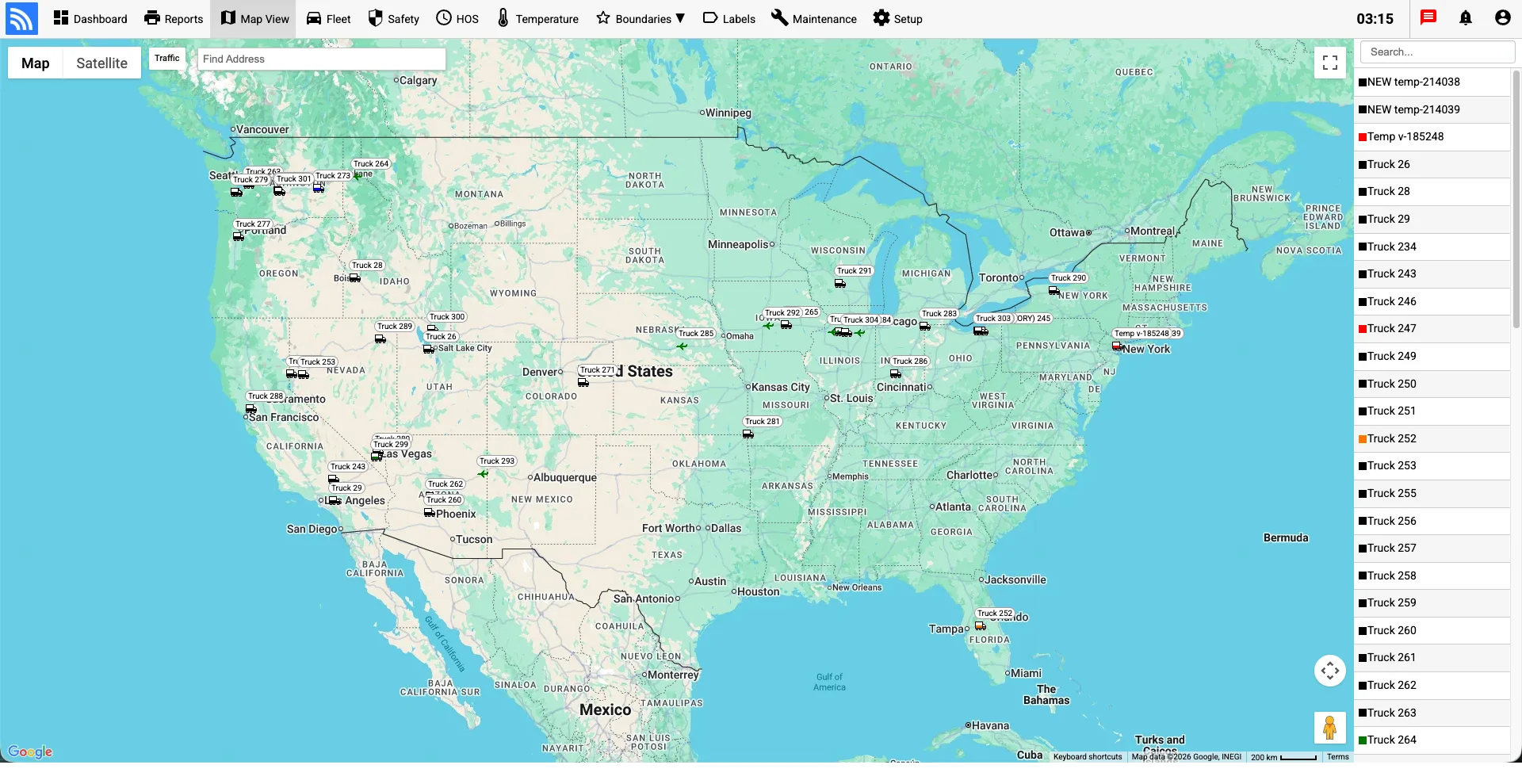
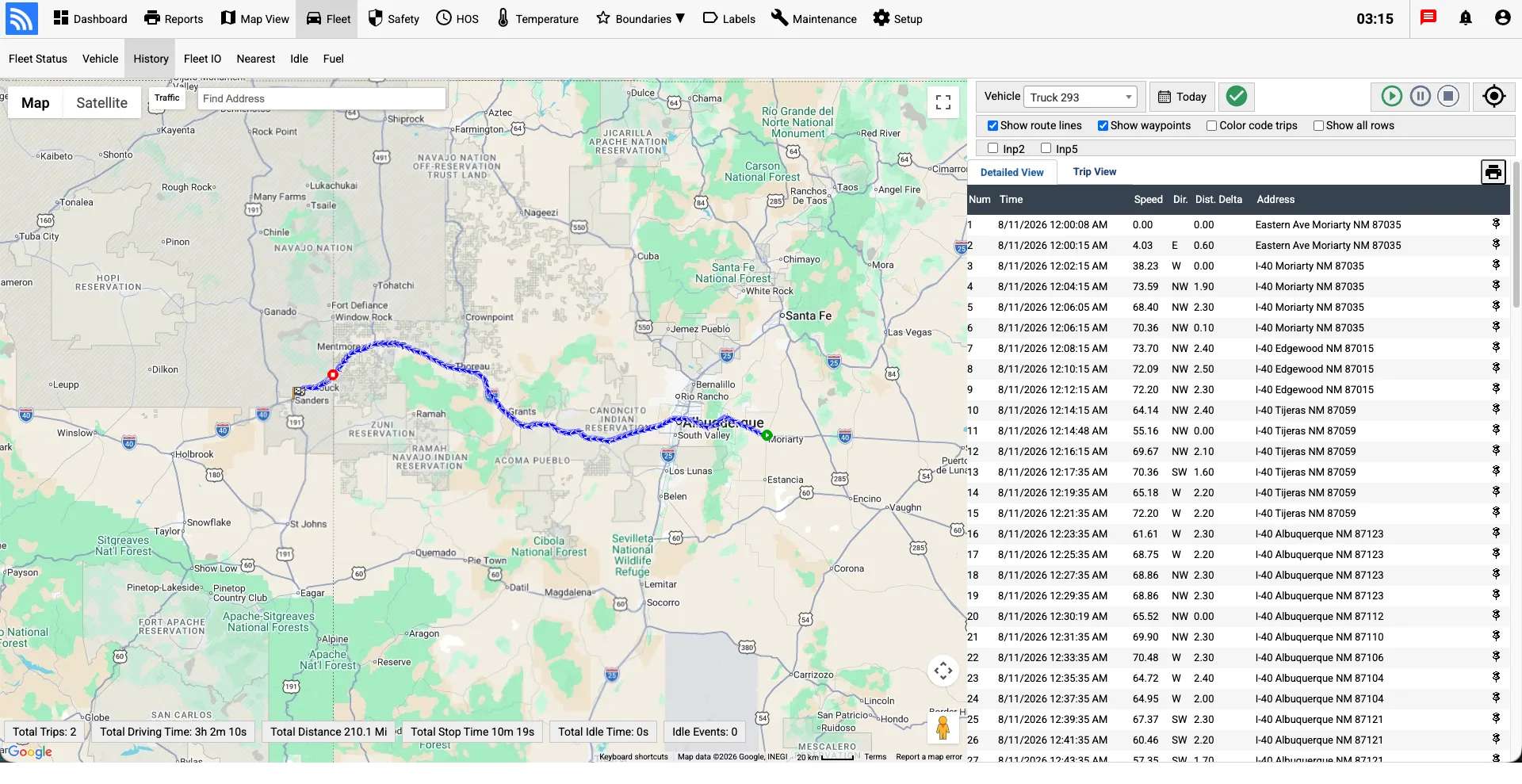
Review completed trips, stops, mileage, and vehicle activity on the map. Use historical context to verify service, investigate exceptions, and improve dispatch decisions.
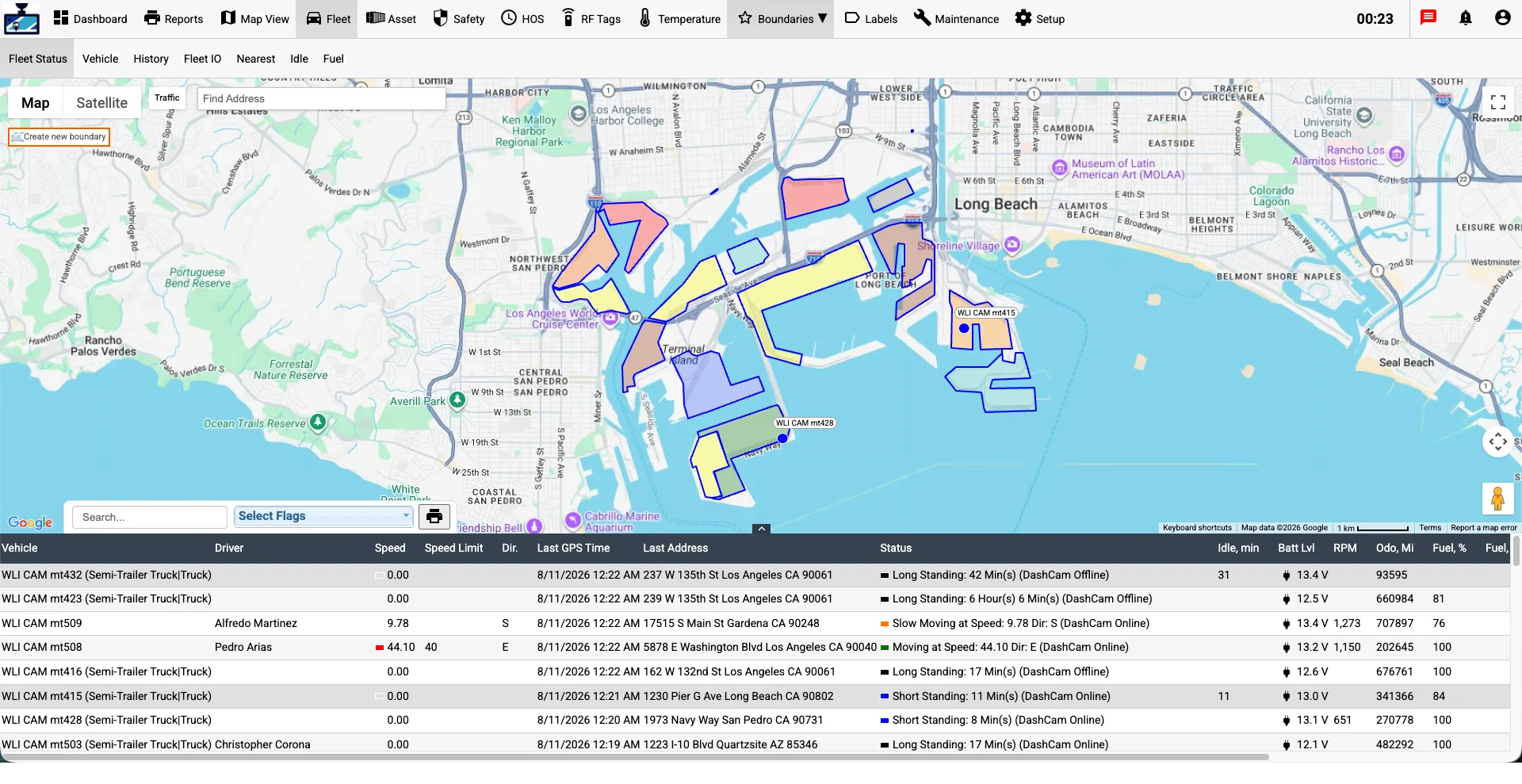
Define boundaries around customer sites, yards, and depots. Fleet.Net can record vehicle arrivals and departures and notify your team when selected boundary events occur.
Connect road- and driver-facing video with vehicle events to review incidents, coach drivers, and document the context around collisions or unsafe driving.
Learn MoreGive drivers a straightforward way to manage duty status and hours-of-service logs while fleet managers review compliance information in Fleet.Net.
Learn More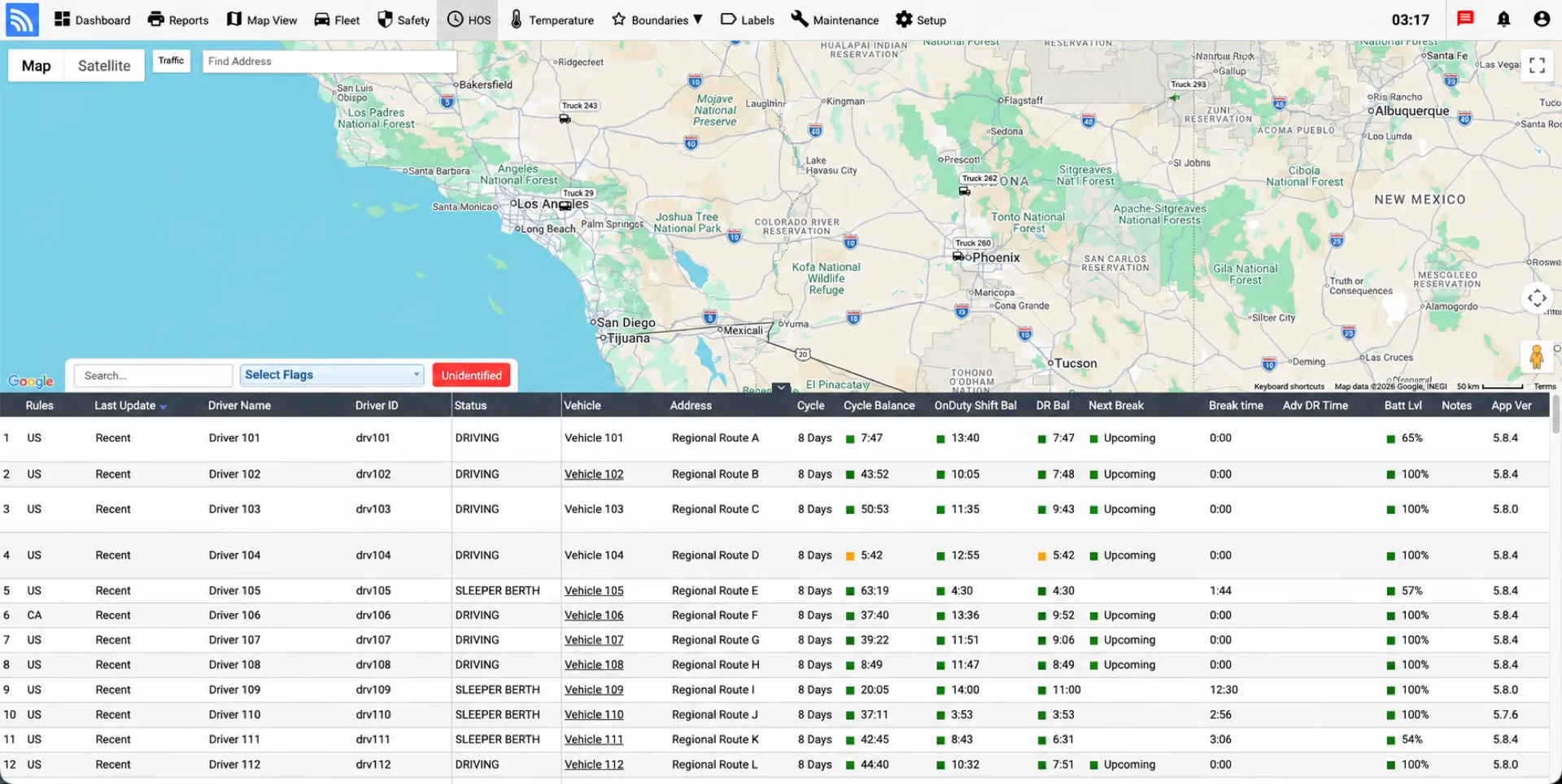
Gain real-time visibility into all trailers, cargo containers, vehicles, and mixed fleets in one centralized telematics dashboard.
Optimize deployment loops, verify cargo transit times, and reduce asset dwelling or yard hunts.
Protect cargo integrity and drivers on route or in remote yards with real-time alert logs and temperature audits.
Gain instant visibility into daily asset operations to optimize logistics routes and provide automated transit reports.
Designed for fleet logistics and dispatcher teams, our trackers keep commercial vehicles and routes connected.
Find answers to common operational, installation, and deployment questions.
Installation time depends on the vehicle and connection method. On supported vehicles, an OBD-II adapter connects through the diagnostic port. Hardwired installations require a qualified technician and may take longer depending on vehicle access, mounting location, and the data connections required.
Wireless Links supports FMCSA-compliant DriverLog ELD deployments. Piccolo STX or Piccolo Plus can supply vehicle and engine data depending on the configuration; Piccolo Plus is selected when the vehicle also needs an onboard Wi-Fi hotspot for the driver’s ELD tablet and other connected devices.
Yes. By linking to the vehicle's CANbus interface, our Piccolo devices monitor fault codes (DTCs), fuel burn rate, PTO engagements, and vehicle odometer changes.
We provide flexible subscription plans with monthly or annual terms depending on your fleet size and feature configuration. Contact sales for details.