Login Portal Get Custom Quote
Integrated Route Engine

Plan Smarter Routes. Adapt as the Day Changes.

Route Planning Connected with Live Fleet Operations

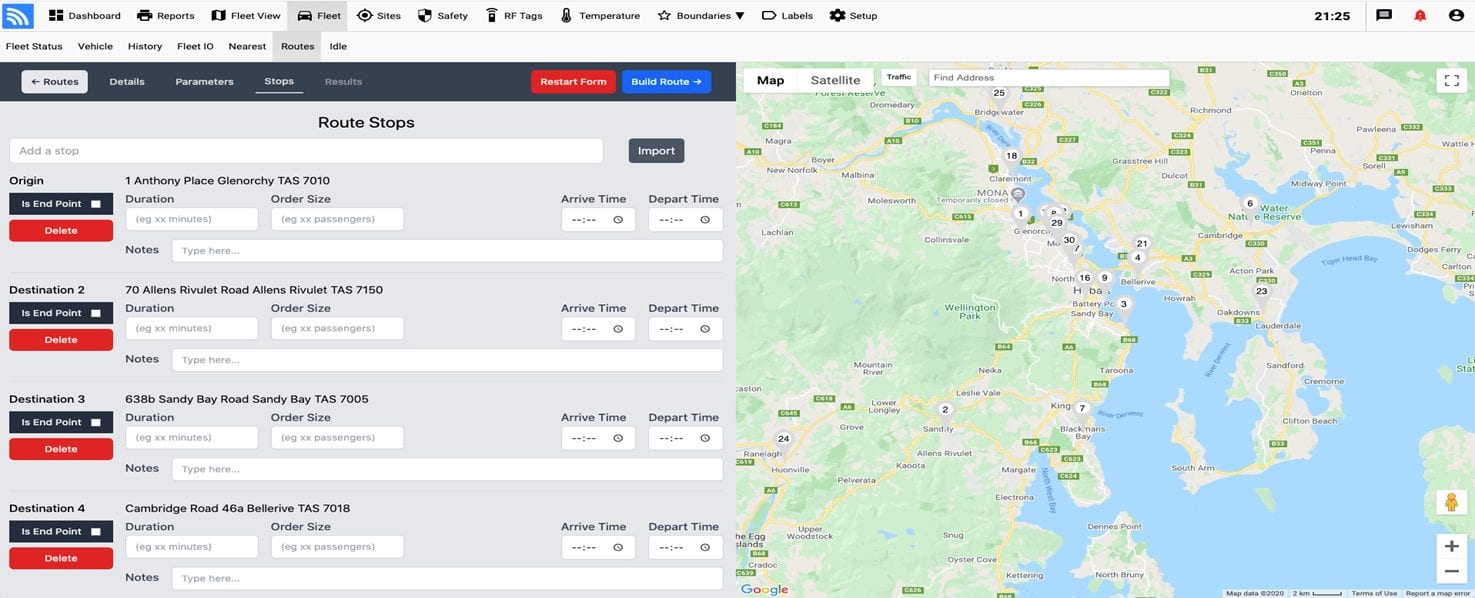
Build routes around stops, priorities, time windows, and available vehicles. Give dispatchers the flexibility to respond to cancellations, new jobs, delays, and driver changes while keeping customers informed with updated arrival information.

Multi-Stop Planning Live Fleet Context Route History
Real Fleet.Net Route History

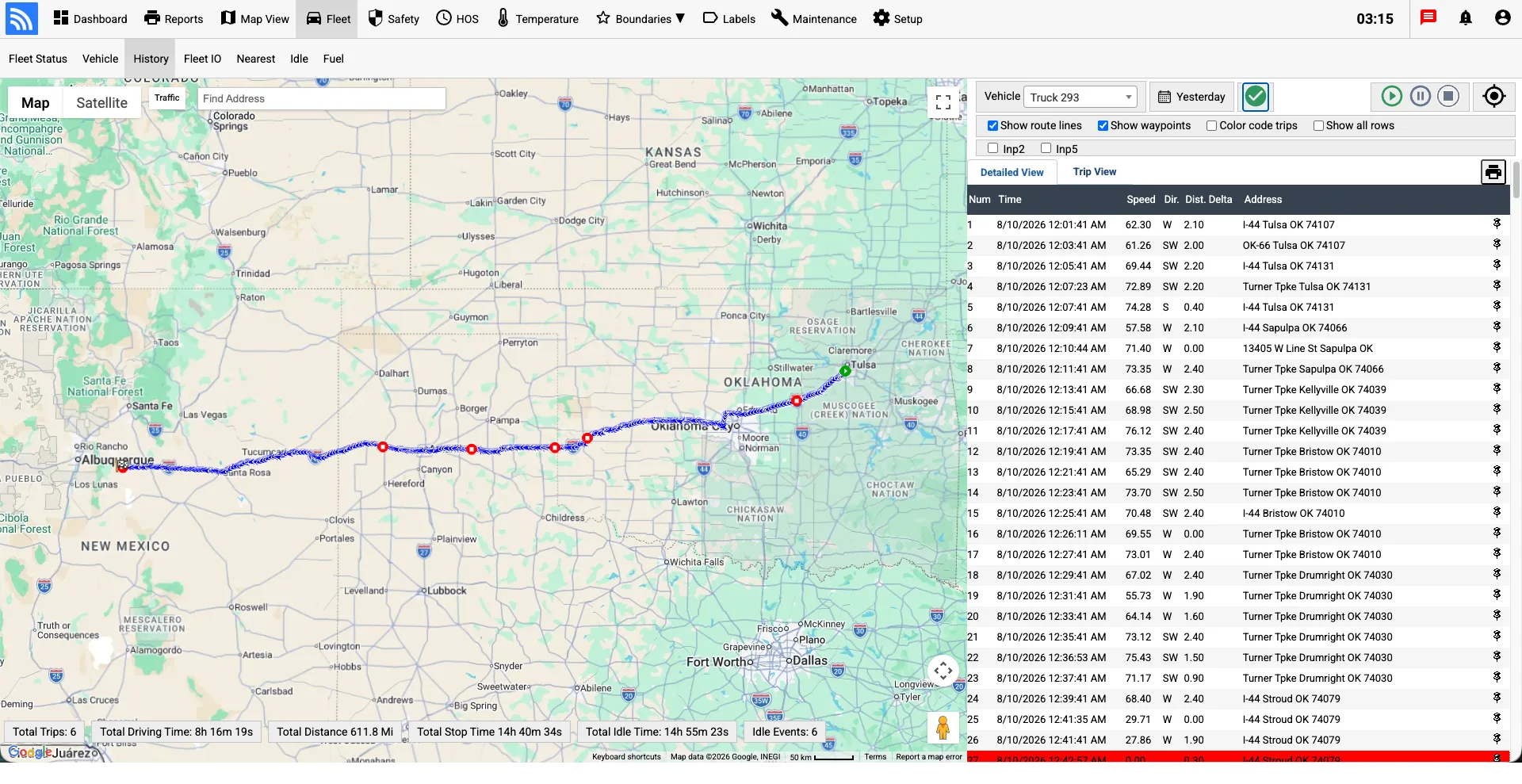
Turn Every Route into Actionable History

See the completed path, review each waypoint, and use real trip history to improve future planning and dispatch decisions.

Fleet.Net route history map with a completed long-haul trip and waypoint detail
Plan Stops Adapt Assignments Review Performance

Make Every Route Easier to Plan and Manage

Organize stops, communicate updated arrival information, and adjust assignments as priorities shift throughout the workday.

Keep Customers Informed

Share supported notifications, updated ETAs, and route progress so customers have better visibility into service timing.

Plan Around Real Constraints

Build practical route plans around stops, time windows, priorities, vehicle availability, and service requirements.

Respond as the Day Changes

Reassign work and communicate route changes when new jobs, cancellations, delays, or driver availability affect the original plan.

How Route Optimization Works

Route optimization evaluates the full set of stops and operating constraints—not simply the shortest distance between two points. Time windows, priorities, available vehicles, service requirements, and changing conditions help determine a more practical route plan.

1.

Add Stops & Requirements

Add deliveries, pickups, service locations, load requirements, available vehicles, priorities, and time windows.

2.

Build a Practical Route Plan

RouteLink evaluates the available jobs and configured operating constraints to determine an efficient sequence for the day.

3.

Dispatch & Adapt

Send assignments to drivers, monitor progress, and update routes when field conditions or operating priorities change.

Wireless Links Route Optimization Map Dashboard
In-Cab Navigation & Real-Time Sync

Empower Drivers & Dispatchers

Drivers receive assigned routes and stop information on supported mobile devices, reducing the need to plan the day manually and helping them stay aligned with dispatch.

Dispatchers can monitor progress, communicate with drivers, and reassign stops when a route cannot be completed as planned. Updated assignments keep both sides working from the latest route information.

Driver Mobile Route Optimizer & Real-Time Dispatch Sync

Route Planning FAQs

Common questions about planning, dispatching, and adapting fleet routes.

Why route optimization software?
Route optimization helps teams organize stops around operating constraints, reduce avoidable mileage, balance work across available vehicles, and respond more efficiently when the day changes.
What is route planning?
Route planning turns a set of stops, vehicles, priorities, and time windows into an organized plan that dispatchers can assign and manage.
What is a fleet route planner?
A fleet route planner helps sequence stops, allocate work to available vehicles, and give dispatchers a centralized view of planned and active routes.
Can route planning connect with fleet tracking?
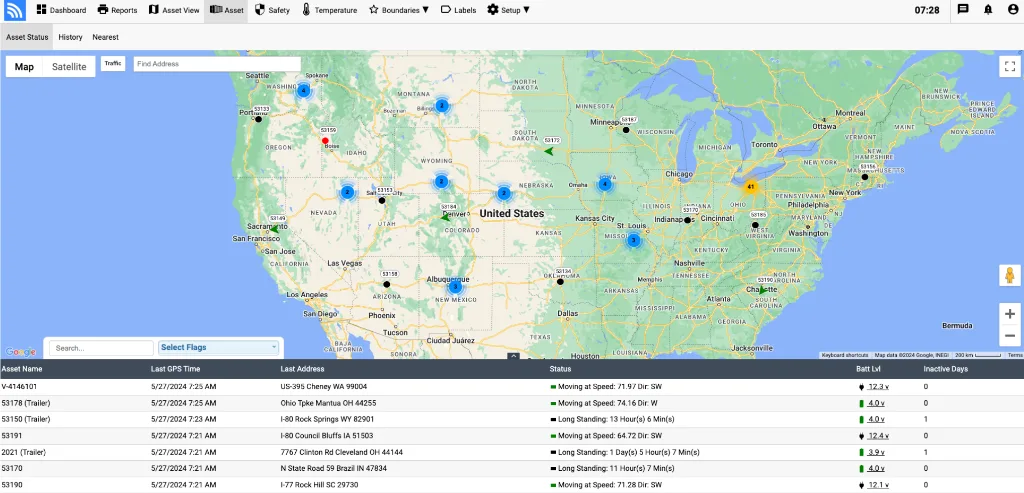
Yes. RouteLink can be used alongside Wireless Links fleet tracking so dispatchers can compare the route plan with vehicle activity and current field status from the connected platform.
What is route optimization?
Route optimization evaluates the complete set of stops and configured constraints to determine a practical order and assignment. It goes beyond simply finding the shortest path between two locations.